CSEKC

Computer Guides & How-To

What Problems Can Office Computer Maintenance Prevent?

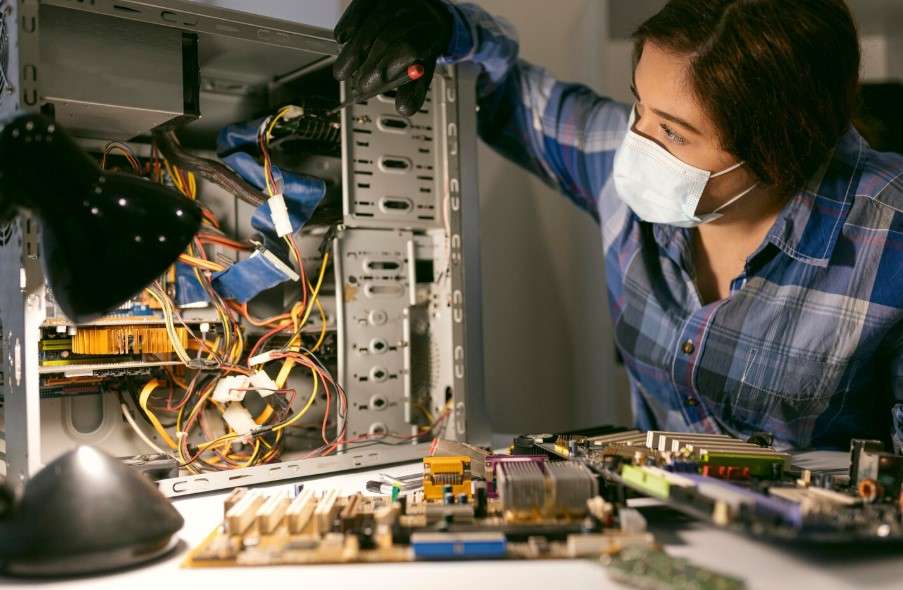
Office computers are critical for daily operations, handling everything from emails and document management to financial transactions and client communications. Neglecting maintenance can lead to unexpected downtime, data loss, and productivity issues.  Regular computer maintenance helps prevent these problems, keeping office systems secure, efficient, and reliable. Understanding the benefits of proactive computer care allows businesses

What Problems Can Office Computer Maintenance Prevent? Read More »
Why Does My Gaming Computer Keep Crashing During Games?

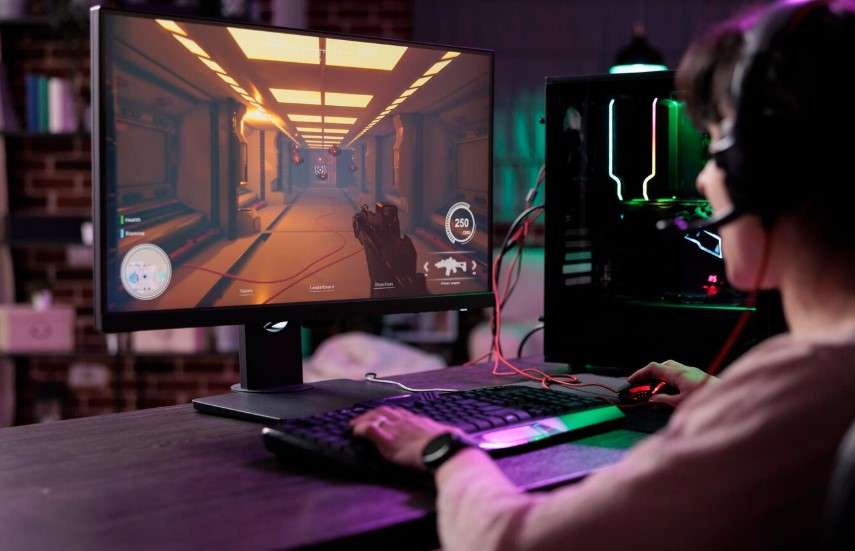
Gaming computers are designed to handle high-performance tasks, but crashes during gameplay can be frustrating and disruptive. Frequent crashes not only interrupt your experience but may also indicate underlying hardware or software issues.  Understanding the common causes of crashes helps gamers troubleshoot problems and maintain optimal system performance. Identifying the reasons behind these crashes is

Why Does My Gaming Computer Keep Crashing During Games? Read More »

Windows 11 upgrade checklist showing TPM 2.0, Secure Boot, UEFI, and backup requirements

How to Upgrade to Windows 11 Safely (Requirements & Prep Checklist)

Upgrading to Windows 11 in 2026 is generally safe if your computer meets Microsoft’s hardware requirements and you prepare properly before starting the installation. Most modern PCs from the last 5–7 years can upgrade without major issues, but older systems may fail compatibility checks due to missing TPM 2.0, unsupported processors, or outdated firmware. A

How to Upgrade to Windows 11 Safely (Requirements & Prep Checklist) Read More »

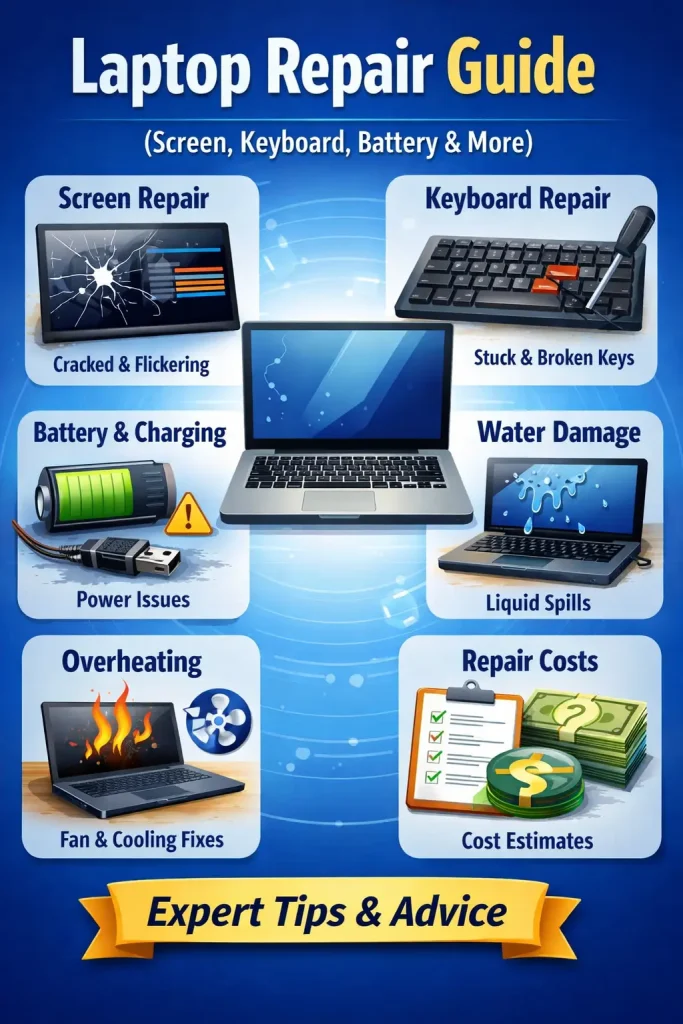
Laptop Repair Guide (2026): Laptop Screen Repair, Keyboard Fixes & Display Problems Explained

If you’re searching for laptop screen repair, laptop keyboard repair, or display repair for a laptop, this complete guide explains the most common issues, troubleshooting steps, repair costs, and when replacement makes sense. Laptop problems are common — but most are repairable. This guide covers: Laptop screen repair and display issues Laptop keyboard repair and

Laptop Repair Guide (2026): Laptop Screen Repair, Keyboard Fixes & Display Problems Explained Read More »

Speeding up Windows 11 performance on a desktop PC with system optimization and hardware upgrades

Speed Up Windows 11 (2026 Guide): Clean, Optimize & Fix a Slow PC Fast

Windows 11 is a powerful operating system, but over time even a good computer can start to feel slow, unresponsive, or unstable. Boot times increase, apps lag, and simple tasks suddenly take longer than they should. This usually happens because of temporary files, background apps, heavy visual effects, outdated drivers, malware, or even failing hardware.

Speed Up Windows 11 (2026 Guide): Clean, Optimize & Fix a Slow PC Fast Read More »

10 common computer problems and how to fix them fast

10 Common Computer Problems (And How to Fix Them Fast)

Computers are supposed to make life easier—but when something goes wrong, they can quickly become a source of stress. From slow performance and random freezes to internet issues and blue screens, computer problems are incredibly common and often strike at the worst time. The good news? Many issues can be fixed with simple troubleshooting steps

10 Common Computer Problems (And How to Fix Them Fast) Read More »