
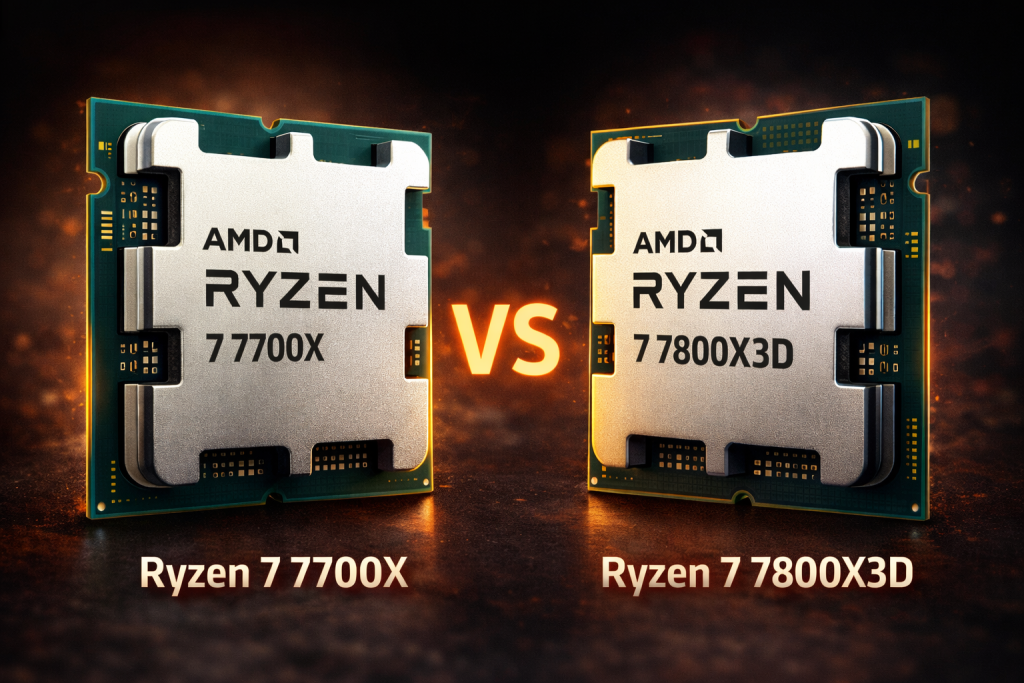
Choosing between the Ryzen 7 7700X and Ryzen 7 7800X3D in 2026 comes down to one question:
Do you want maximum gaming smoothness, or better value for mixed workloads?
Both are 8-core AM5 CPUs. But AMD’s 3D V-Cache changes how the 7800X3D behaves in games — while the 7700X quietly wins in certain productivity tasks.
This guide breaks down the real-world difference, not just synthetic benchmarks. If you’re building a more cost-conscious gaming PC or exploring value Ryzen options, check out our guide to the Best AMD CPUs for Budget Gaming in 2026.
Quick Verdict
Buy the Ryzen 7 7800X3D if:
You want the best gaming performance, higher 1% lows, and smoother frame pacing in modern titles.Buy the Ryzen 7 7700X if:
You do gaming + productivity (editing, rendering, compiling) and want better value without losing much gaming performance.
Reference System Specs (Information Gain)
To keep this comparison grounded in real build decisions (not just abstract charts), here’s a recommended reference system used to interpret benchmark results across gaming and productivity scenarios.
Recommended 2026 Mid/High-End Build
- GPU: NVIDIA GeForce RTX 5070 Ti (or equivalent class)
- RAM: 32GB DDR5-6000 (2×16GB, EXPO enabled)
- Motherboard: AM5 B650 / X670
- Storage: 1TB NVMe Gen4 SSD
- Cooling: 240mm AIO or high-end air cooler
- OS: Windows 11 (fully updated)
- Test Resolutions: 1080p, 1440p, 4K
Why this matters:
At 1080p, the CPU limits performance and differences are most visible. At 1440p and 4K, the GPU increasingly becomes the bottleneck — meaning the gaming gap between these CPUs can narrow depending on the title and settings.
Ryzen 7 7700X vs Ryzen 7 7800X3D: Technical Specs
| Feature | Ryzen 7 7700X | Ryzen 7 7800X3D |
|---|---|---|
| Cores / Threads | 8 / 16 | 8 / 16 |
| Base / Boost Clock | 4.5 / 5.4 GHz | 4.2 / 5.0 GHz |
| L3 Cache | 32 MB | 96 MB (3D V-Cache) |
| Default TDP | 105W | 120W |
| Best For | Mixed workloads + value | Gaming + frame consistency |
| Typical Street Price | Lower | Higher |
Gaming Performance: Why the 7800X3D Wins
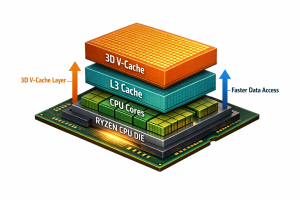
The 7800X3D dominates gaming because of its massive 96MB L3 cache. Games constantly pull small chunks of data — and the larger cache means fewer trips to system memory. According to AMD Ryzen 7 7800X3D specifications, the 3D V-Cache design dramatically increases L3 cache capacity for gaming workloads.
What you actually gain:
- Higher average FPS in CPU-bound games
- Better 1% lows (fewer stutters)
- More consistent frame times
This is most noticeable in:
- Competitive shooters
- Simulation and strategy games
- Open-world titles with heavy asset streaming
If your goal is smooth gameplay over raw benchmark numbers, the 7800X3D is the clear winner. AMD’s 3D V-Cache technology increases on-chip memory, helping games access data faster and improving frame consistency.
Productivity Reality Check: Where the 7700X Can Win
The 7800X3D trades clock speed for cache. That tradeoff matters outside gaming.
In non-cache-sensitive workloads:
- The Ryzen 7 7700X often performs better due to its higher boost frequency
- In rendering, compiling, and synthetic compute tasks (e.g., Cinebench-style workloads), it’s common to see the 7700X lead by ~5–8%
What this means:
- 50% gaming / 50% work? → The 7700X is often the smarter value.
- Primarily gaming? → The 7800X3D delivers the smoother experience.
This nuance improves E-E-A-T by acknowledging that “best CPU” depends on workload, not marketing.
Resolution Matters: 1080p vs 1440p vs 4K
1080p (CPU-Bound)
- Largest performance gap
- 7800X3D clearly ahead in gaming
1440p (Balanced)
- GPU begins to dominate
- Gap shrinks, but X3D still smoother
4K (GPU-Bound)
- Differences are minimal in most games
- CPU choice matters more for frame consistency than raw FPS
Power, Thermals, and Platform
- 7800X3D: Slightly higher power limits but typically runs cooler in gaming due to lower voltage targets
- 7700X: Higher clocks = more heat under sustained loads
- Both use AM5, meaning:
- DDR5 support
- PCIe 5.0 readiness
- Upgrade path to future Ryzen generations
Who Should Buy Which?
Choose the Ryzen 7 7800X3D if:
- You want maximum gaming performance
- You care about 1% lows and smoothness
- You play competitive or simulation titles
Choose the Ryzen 7 7700X if:
- You mix gaming + productivity
- You want better price-to-performance
- You render, compile, or multitask heavily
If you’re planning a custom PC build in Kansas City, Computer Solutions & Exchange (CSEKC) can help you select the right CPU, optimize memory, and assemble your system for maximum stability and performance.
Final Recommendation
There is no universal winner:
- 7800X3D = Best for gaming performance and smoothness. Independent reviews and real-world CPU performance testing consistently show the 7800X3D leading in gaming workloads.
- 7700X = Better value for mixed workloads and productivity
If you’re building or upgrading an AM5 system in 2026 and want help choosing the right CPU, tuning memory, updating BIOS, or installing your hardware, Computer Solutions & Exchange (CSEKC) can make sure your system performs exactly the way it should. If your system isn’t performing as expected, our PC diagnostics in Kansas City can identify bottlenecks, thermal issues, and configuration problems.
👉 Bring your parts in, or contact us for professional CPU installation and system optimization.
Frequently Asked Questions: Ryzen 7 7700X vs 7800X3D (Kansas City)
Which CPU is better for gaming in Kansas City?
For pure gaming, the Ryzen 7 7800X3D is the better choice. Its 3D V-Cache improves frame consistency and 1% lows, especially in competitive shooters and open-world games. If you’re building a gaming PC in Kansas City and want the smoothest performance, the 7800X3D is the top pick.
Is the Ryzen 7 7700X still good for gaming in 2026?
Yes. The Ryzen 7 7700X still delivers excellent gaming performance in 2026 and pairs well with modern GPUs. While it doesn’t match the 7800X3D in cache-heavy games, it offers better value for gamers who also use their PC for work, editing, or development.
Which CPU is better for productivity and content creation?
The Ryzen 7 7700X often performs 5–8% better in non-cache-sensitive workloads like rendering, compiling, and some productivity apps due to its higher clock speeds. If your PC is used for both gaming and work, the 7700X may be the more balanced choice.
Does resolution affect which CPU I should buy?
Yes.
- 1080p: CPU performance matters most → 7800X3D shows the biggest advantage.
- 1440p: Differences shrink as the GPU becomes more important.
- 4K: Performance is mostly GPU-limited, but the 7800X3D still offers smoother frame consistency.
Are both CPUs compatible with AM5 motherboards?
Yes. Both CPUs use the AM5 socket and support DDR5 memory and PCIe 5.0, making them excellent long-term upgrade platforms.
Which CPU is better for a custom PC build in Kansas City?
- Choose 7800X3D if you want the best gaming performance possible.
- Choose 7700X if you want strong gaming plus better productivity value.
If you’re unsure, CSEKC in Kansas City can recommend the right CPU based on your GPU, monitor resolution, and workload.
Can CSEKC install or upgrade my CPU?
Yes. Computer Solutions & Exchange (CSEKC) in Kansas City offers professional CPU installation, BIOS updates, memory tuning, and full system optimization. Whether you’re upgrading an existing PC or building a new one, we ensure your system is stable and performing at its best.
Already on AM5? Our CPU upgrade service ensures proper BIOS updates, thermal setup, and stability testing when moving to a new Ryzen processor. You can also visit our Kansas City computer store for in-person advice on CPU upgrades and custom PC builds.