
In-Home Computer Help & Home Office Tech Support in Kansas City
Working from home shouldn't mean fighting slow Wi-Fi, a printer that won't print or a VPN that keeps dropping. CSEKC comes to your home, fixes the problem, sets up your home office the right way, and sets up remote help so next time we can often fix it without a visit.
Home IT Support & Home Office Setup Services
From a single slow laptop to a full work-from-home setup, we handle the tech so you can get back to work.
Home Office Setup
Desk setup with monitors, docking stations, keyboards, webcams and headsets, connected and working together.
Wi-Fi & Mesh Network Setup
Weak signal in your office room? We set up or upgrade your router and mesh Wi-Fi so every room gets a strong connection.
Printer & Scanner Setup
New printer, or one that keeps going offline? We connect it to Wi-Fi and every computer in the house.
Work VPN & Remote Work Apps
VPN, Microsoft 365, Teams, Zoom and the apps your employer requires, set up and working.
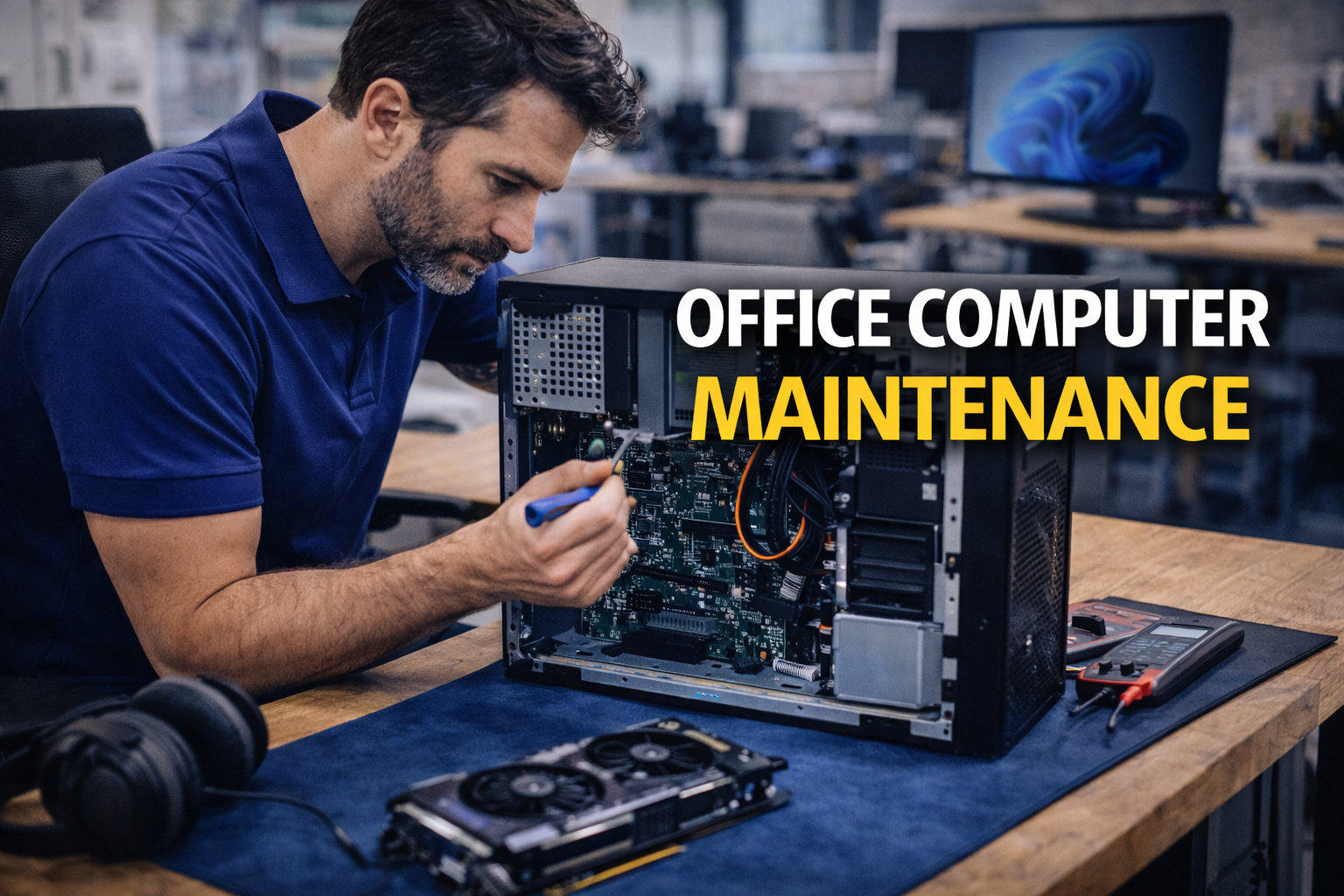
Computer Tune-Up & Maintenance
Slow startup, freezing or full storage? We clean up, update and speed up your computer.
What a Tune-Up Includes →Home Computer Repair & Virus Help
Hardware problems, pop-ups and infections. We fix it at your home or at our shop.
PC & Laptop Repair →Have a virus or pop-ups? See virus and malware removal. Want protection set up? See antivirus and firewall setup.
Home Office Problems We Fix
These are the work-from-home problems we get called about most.
Slow or Dropping Wi-Fi in Your Office
The router is often on the other side of the house. Mesh Wi-Fi or a better router placement usually fixes it.
VPN Keeps Disconnecting
VPN drops are often caused by weak Wi-Fi, router settings or the computer's power settings, not the VPN itself.
Printer Shows Offline
Printers lose their Wi-Fi connection after router changes or updates. We reconnect it and keep it from happening again.
Second Monitor or Docking Station Not Working
Wrong cable, wrong port or a driver problem. We get every screen working at the right resolution.
Video Calls Freezing or Choppy
Usually the Wi-Fi, too many devices on the network, or an overloaded computer. We find the cause and fix it.
Slow Computer That Wastes Your Day
Startup programs, full storage or an aging hard drive. We tune it up or tell you honestly if it's time to upgrade.
How Much Does In-Home Computer Help Cost in Kansas City?
Simple pay-per-visit pricing. No contract and no monthly plan.
| Service | Price |
|---|---|
| In-home visit, first hourDiagnosis, fixes and setup at your home | $175 |
| Each additional hourFor larger setups like a full home office or mesh Wi-Fi | $150 / hour |
| Remote help setupWe set it up during your first visit, so future problems can often be fixed remotely | Included |
How In-Home Computer Help Works
We come to you, fix the problem, and set things up so next time is faster.
Call or Message Us
Tell us what's going on, and we'll schedule a time to come to your home.
In-Home Visit
We fix the problem and set up your home office equipment the right way.
Remote Help Setup
During the visit, we set up secure remote access for future support.
Remote Help Next Time
When something comes up later, we can often fix it remotely, without another visit.
Which Kind of Help Is Right for You?
This page is for homes and home offices. Businesses with an office and staff have their own service.
Working From Home
Remote workers, freelancers and home offices: in-home visits, home office setup and remote help after your first visit.
Just a Broken Computer
Bring it to our Wornall Road shop for in-store repair, starting with a $60 diagnostic.
A Business With an Office
Offices with staff and servers get our business IT support and office networking services.
Request an In-Home Visit
Tell us what's going on with your computer, Wi-Fi or home office setup, and where you're located. We'll get back to you, usually the same day.
- ☎Call now: (913) 980-7665
- ✉Message us: same-day response
- ⌂Visit us: 8137 Wornall Rd, Kansas City, MO
Home Office & In-Home Computer Help FAQs
Answers about cost, remote help, Wi-Fi, VPN, printers and home office setup.
How much does an in-home computer visit cost?
An in-home visit is $175 for the first hour and $150 for each additional hour. There is no contract and no monthly plan.
Do you offer remote computer help?
Yes. During your first in-home visit we set up secure remote access, so future problems can often be fixed remotely without another visit.
Do you have a monthly maintenance plan for home users?
Not right now. Home users pay per visit, so you only pay when you need help.
Can you set up my work VPN and remote work apps?
Yes. We set up VPNs, Microsoft 365, Teams, Zoom and other apps your employer requires, and make sure they work reliably on your home network.
Can you fix slow Wi-Fi in my home office?
Yes. We check your router, its placement and your internet connection, and set up mesh Wi-Fi if needed so your office room gets a strong signal.
Do you set up printers, monitors and docking stations?
Yes. We connect printers to every computer in the house and set up monitors, docking stations, webcams and other home office equipment.
Do you help with both Windows PCs and Macs?
Yes. We support Windows PCs, laptops and Macs. Need a Mac repaired? See Apple repair.
Do you support businesses too?
Yes. Businesses with an office and staff are covered by our business IT support and networking services. See our IT support for Kansas City businesses.
Proudly serving the Greater Kansas City metro area. Our main computer repair center is in South Kansas City, and we visit homes and home offices across the metro.
Missouri: Kansas City (KCMO), Waldo, Wornall, Brookside, Ward Parkway, Country Club Plaza, Westport, Grandview, Raytown and North Kansas City.
Kansas: Kansas City (KS), Overland Park, Leawood, Prairie Village, Mission, Lenexa, Olathe and Shawnee.
Home Computer & Home Office Guides
Tips from our Kansas City technicians for keeping your home tech running.
- The Pros and Cons of Remote Computer Support
When remote help works and when a visit is better.
- Laptop to Monitor Connector Guide
Which cable or adapter you need for a second screen.
- Common Laptop Problems and How to Troubleshoot Them at Home
Quick checks before you call.
- New Windows Computer Setup: What Most People Get Wrong
Set up a new computer the right way.
- Speed Up Windows 11
Clean up and fix a slow PC.
- Is Computer Cleaning Necessary, and How Often?
Why dust and heat slow computers down.
Get In-Home Computer Help in Kansas City
Slow Wi-Fi, printer problems, VPN trouble or a home office to set up? Call or message us to schedule an in-home visit. After the first visit, we can often help you remotely.