
Anti-Virus & Firewall Setup in Kansas City
Protect your computer before problems start. CSEKC buys, installs and sets up antivirus protection, configures your firewall, and locks down your Windows PC or Mac so it blocks malware, hackers, unsafe downloads and risky Wi-Fi. For businesses, we also provide managed antivirus, monitoring and network firewall setup.
Already Seeing Pop-Ups? Installing Antivirus Won't Remove an Infection
- Antivirus protects, it doesn't clean. Installing new antivirus on an infected computer usually leaves the existing malware in place.
- That's why we check first. Every setup starts with a $60 diagnostic, so we know the computer is clean before we protect it.
- Signs it's already infected: pop-ups, browser redirects, fake security warnings, programs you didn't install, or a sudden slowdown.
- If it is infected, we remove the malware first, then set up protection so it doesn't come back.
Infected right now? See our virus and malware removal service.
Antivirus, Firewall & Computer Security Setup
We don't just install software. We set up your protection for the way you actually use your computer, so it stays on, stays updated and doesn't get in your way.
Antivirus Purchase, Installation & Setup
We buy a reputable antivirus, install it and configure it to watch downloads, email attachments and websites. We can also set up one you already own.
Firewall Setup & Configuration
We configure your firewall to block unauthorized traffic while allowing the apps you actually use, like email, printers and remote work tools.
Security Updates & Hardening
We install critical Windows or macOS updates, close common security gaps and make sure protection keeps running in the background.
Safe Browsing & Email Protection
We reduce phishing risk, malicious pop-ups and unsafe website behavior, the most common ways infections get in.
Wi-Fi & Public Network Protection
Safer settings for home Wi-Fi and public networks like coffee shops and airports, including the right firewall network profile.
Managed Antivirus for Businesses
Antivirus on every office computer, with monitoring and updates managed for you.
Business Security →Setting up a new computer? We can secure it from day one as part of our new computer setup.
Is Your Computer Really Protected?
Many computers have security software that's turned off, expired or set up wrong, even when nothing looks wrong. These are the gaps we find most often.
Antivirus Expired or Trial Ended
Many new computers come with a free trial that quietly stops protecting you when it runs out.
Windows Security Turned Off
Built-in protection gets disabled by old software, a past infection or a settings change, and stays off.
Two Antivirus Programs Fighting
Two antivirus programs running at once slow the computer down and can leave gaps in protection.
Firewall Off or Set Up Wrong
A firewall that's off, or set to the wrong network type, leaves your computer open on Wi-Fi.
Updates Months Behind
Missing Windows or macOS security updates are one of the most common ways malware gets in.
Unsafe Browser & Email Settings
Weak browser settings and unfiltered email make phishing links and fake downloads easy to click.
How Much Does Antivirus & Firewall Setup Cost?
Every setup starts with a diagnostic. We check that the computer isn't already infected, see what protection it has, and give you the total price, including the antivirus software, before we start.
Because we buy and install the antivirus for you, most setups take about a day.
- Antivirus software: the protection that fits how you use your computer.
- Existing problems: removing conflicting security programs or an infection adds time.
- Updates needed: computers far behind on updates take longer.
- Business setups: priced by the number of computers and the network.
Cybersecurity Services for Kansas City Businesses
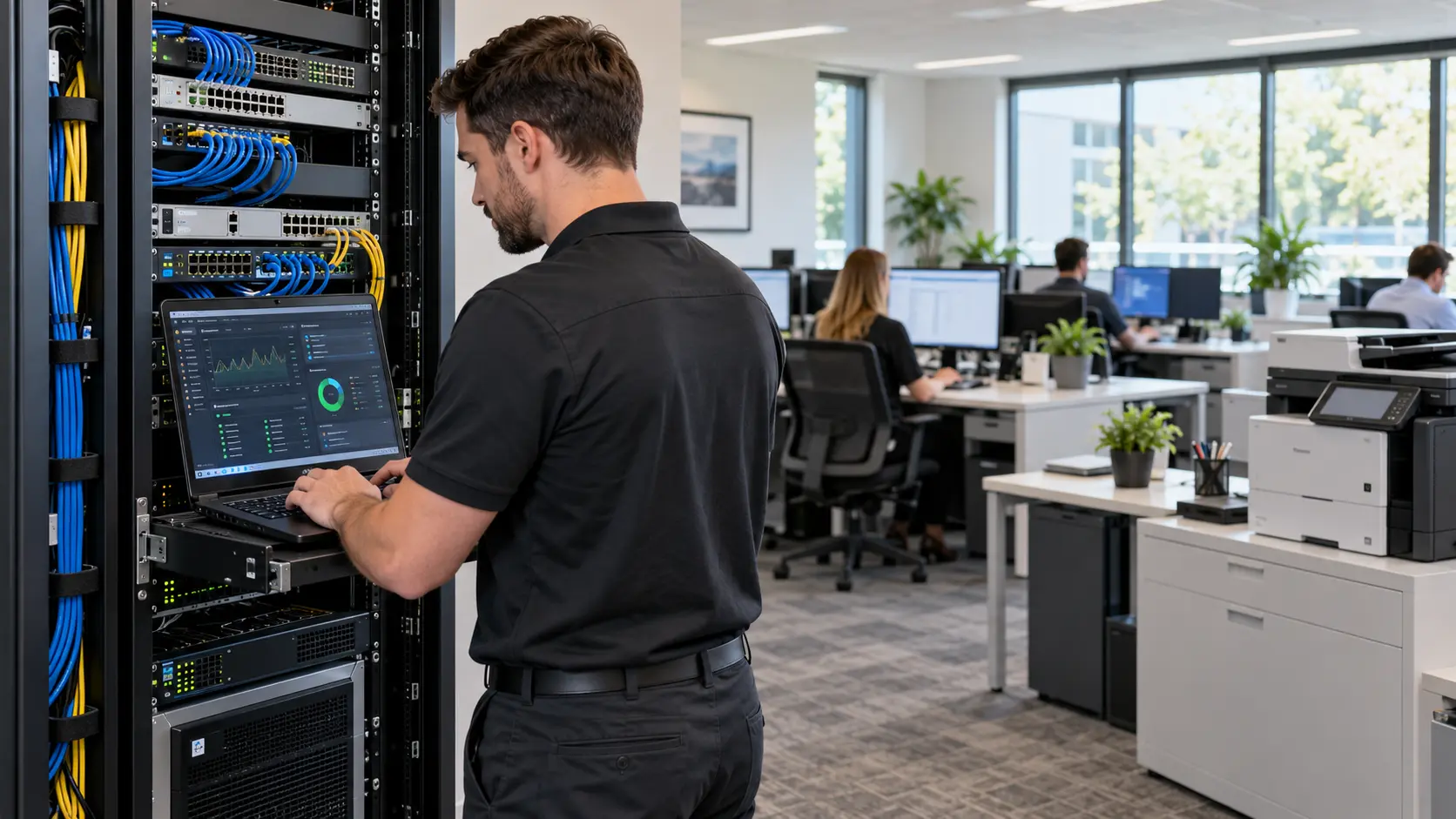
One unprotected office computer can put your whole network at risk. We protect every computer in your office and keep that protection running.
Antivirus installed on every office computer, with updates and alerts managed for you.
We keep an eye on your computers' protection so problems are caught early.
Firewall and network security set up for your office. See our business networking service.
Our first visit is on-site. We set up remote access so future security issues can be handled without a visit.
Security for law firms, dental offices and other small businesses.
How Our Security Setup Works
Most setups take about a day, because we buy and install the antivirus for you.
Check First ($60)
We make sure the computer isn't already infected and see what protection it has. The $60 is applied to your repair.
Choose Protection
We recommend the right antivirus and give you the total price before we buy it.
Install & Configure
We install the antivirus, set up the firewall, apply updates and remove any conflicting programs.
Test & Explain
We test that everything works with your apps and show you what to watch for.
Request a Call Back About Security Setup
Tell us whether it's for home or business, how many computers, and whether you've seen any warning signs. We'll get back to you, usually the same day.
- ☎Call now: (913) 980-7665
- ✉Message us: same-day response
- ⌂Visit us: 8137 Wornall Rd, Kansas City, MO. Walk-ins welcome
Antivirus & Firewall Setup FAQs
Answers about cost, timing, infected computers, Windows and Mac, and business security.
What does antivirus and firewall setup mean?
It means we make sure your security tools are installed, turned on, updated and configured correctly. Many computers have protection available, but it is often expired, turned off or set up wrong.
How much does antivirus and firewall setup cost?
Every setup starts with a $60 diagnostic, which is applied to your repair. We give you the total price, including the antivirus software, before we start.
Will installing antivirus remove a virus that is already on my computer?
Usually not. Antivirus is built to block new threats, and existing malware often stays in place. That is why we check the computer first. If it is infected, we remove the malware before setting up protection. See our virus and malware removal service.
Is this service for prevention or for removing an active virus?
This service is for prevention and protection. If your computer already has pop-ups, redirects or unknown programs, we start with virus and malware removal.
Do you supply the antivirus software?
Yes. We buy a reputable antivirus, install it and set it up for you. If you already own one, we can configure that instead and remove any conflicting programs.
How long does antivirus and firewall setup take?
Most setups take about a day, because we buy and install the antivirus for you.
Will you configure my firewall so it doesn't block my apps?
Yes. We set up the firewall to improve security without breaking what you use, such as browsers, email, printers and remote work apps.
Can you help protect my computer on public Wi-Fi?
Yes. We set safer network profiles and browser settings, and give you tips for coffee shop, hotel and airport Wi-Fi.
Do you set up security on both Windows and Mac?
Yes. We set up antivirus and firewall protection on Windows PCs, laptops and Macs.
Do you offer managed antivirus and cybersecurity for businesses?
Yes. We provide managed antivirus, monitoring and network firewall setup for Kansas City businesses. Our first visit is on-site, and we set up remote access for future support.
Is there a warranty?
Yes. Security setup comes with a 60-day warranty.
Do you offer in-store service in Kansas City?
Yes. Bring your computer to 8137 Wornall Rd, Kansas City, MO 64114. Walk-ins are welcome.
Proudly serving the Greater Kansas City metro area. Our main computer service center is in South Kansas City, and we provide antivirus installation, firewall setup and cybersecurity services for homes and businesses across the metro.
Missouri: Kansas City (KCMO), Waldo, Wornall, Brookside, Ward Parkway, Country Club Plaza, Westport, Grandview, Lee's Summit, Raytown and North Kansas City.
Kansas: Kansas City (KS), Overland Park, Leawood, Prairie Village, Mission, Lenexa, Olathe and Shawnee.
Computer Security Guides
Advice from our Kansas City technicians on keeping your computers protected.
- How Antivirus Updates Keep Your System Safe
Why updates matter as much as the software.
- Protecting Your Computer From Viruses and Malware
Everyday habits that prevent infections.
- Got a Suspicious Email? What to Do
How to handle a possible phishing email.
- New Windows Computer Setup: What Most People Get Wrong
Set up security right from day one.
- How to Upgrade to Windows 11 Safely
Requirements and a prep checklist.
- Why Regular Operating System Updates Matter
How updates close security gaps.
Protect Your Computer Before Problems Start
Security issues cost far more to fix than to prevent. Walk in to 8137 Wornall Rd, Kansas City, MO 64114, call, or message us to set up antivirus and firewall protection for your home or business.