
Data Recovery, File Transfer & Backup in Kansas City
Lost important files, dealing with a failing hard drive, or replacing an old computer? Computer Solutions & Exchange (CSEKC) helps residential and business customers recover accessible data, transfer files, and set up reliable backups.
From hard drives and SSDs to Windows and Mac computers, we use a careful, diagnostic-based approach to evaluate recovery and data migration options.
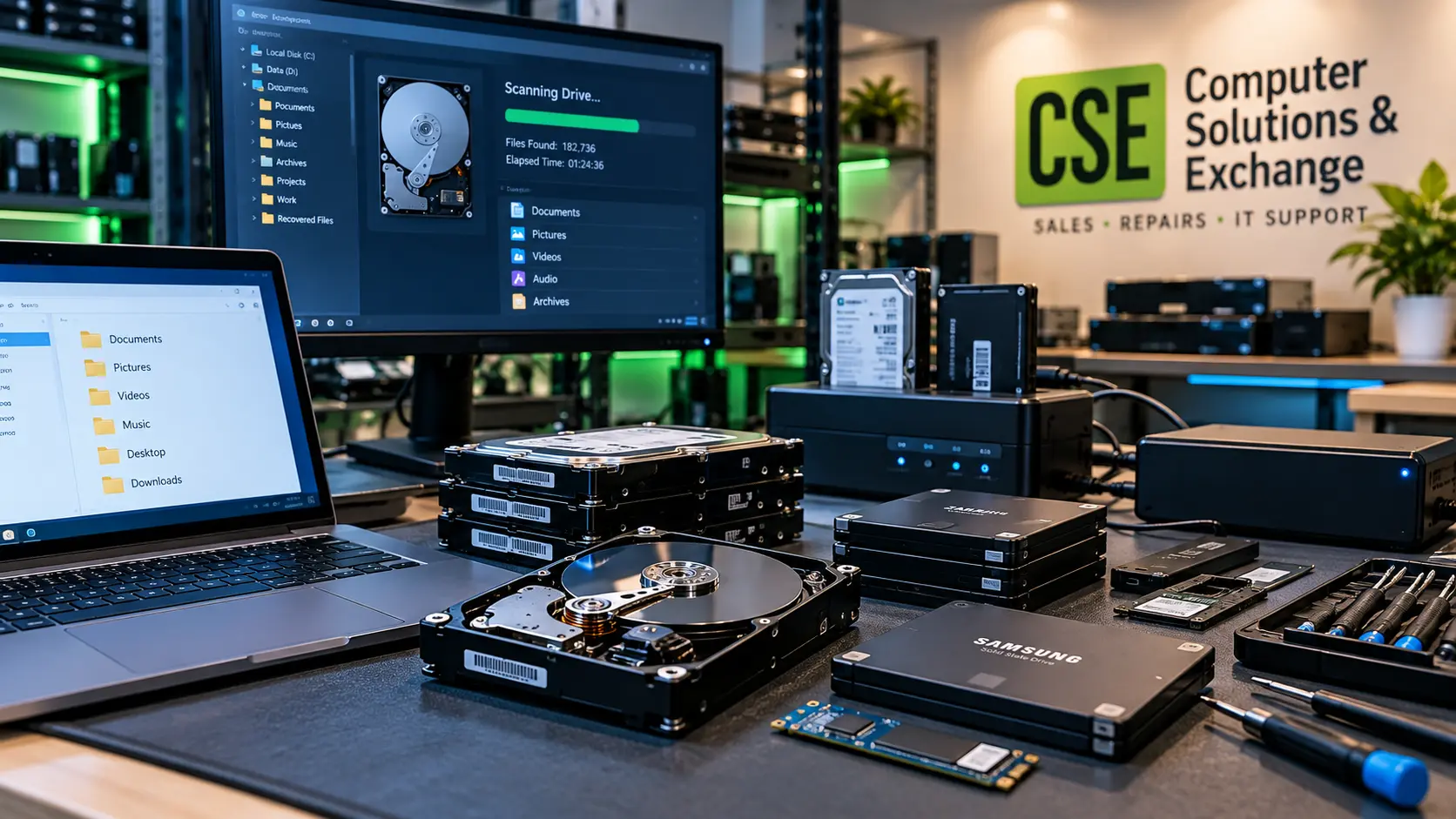
Lost Files? We Can Help Evaluate Your Recovery Options.
From failing hard drives to computers that no longer start, CSEKC provides diagnostic-based data recovery assistance for home users and businesses in Kansas City.
Hard Drive Data Recovery
Recovery assessment for failing HDDs, unreadable partitions, bad sectors, and inaccessible files. The recovery approach depends on the drive's condition.
SSD & NVMe Recovery
Evaluation of solid-state drives with detection problems, corrupted partitions, and inaccessible data. Recovery feasibility varies by controller and drive condition.
Non-Booting Computers
Your Windows PC or Mac may not start, but the storage device could still contain accessible files. We assess options for retrieving important data.
Deleted & Lost Files
Assessment of accidentally deleted documents, missing folders, file-system corruption, and damaged partitions when recovery remains possible.
External Drive Recovery
Troubleshooting and recovery assessment for external hard drives, USB storage devices, and portable drives that are unreadable or no longer accessible.
Server & RAID Recovery Assessment
Evaluation of selected server storage, RAID configurations, and inaccessible volumes. Complex cases require careful assessment before recovery work.
If your hard drive is clicking, repeatedly disconnecting, or producing read errors, stop using it. Avoid repeated restarts, formatting, CHKDSK, or installing recovery software onto the affected drive. Continued use can reduce the chance of recovering your files.
Data recovery results cannot be guaranteed. Success depends on the storage device's condition, encryption, previous writes, and the type of damage.
$60 Diagnostic
Every recovery starts with a $60 diagnostic so we can check the drive's condition before quoting.
2 Days to 1 Week
Most recoveries take 2 days to about a week, depending on how much data you have and how difficult the recovery is.
No Files, No Recovery Fee
If we can't recover your files, you only pay the $60 diagnostic.
Moving to a New Computer? Keep Your Important Files.
Computer Solutions & Exchange helps Kansas City home users and businesses transfer important files from old computers to new systems and storage devices.
Old PC to New PC Transfer
Moving to a new Windows computer? We help transfer documents, photos, videos, desktop files, and other accessible user data from your previous computer.
Windows & Mac File Migration
We assist with transferring compatible documents, pictures, and personal files between Windows PCs and Mac computers, including external drive transfers.
Business Data Transfer
Replacing office computers? We help move business documents, user files, and accessible shared data to replacement systems while considering existing backup requirements.
External Drive & SSD Transfers
Need your files copied to a new external hard drive or SSD? We assist with organizing and transferring accessible data between compatible storage devices.
Upgrading Your Computer?
Before retiring your old system, let CSEKC help transfer your important files and check that the transferred data is accessible on the new device.
Protect Your Important Files Before Something Goes Wrong
A failed hard drive, accidental deletion, or computer malfunction can put your important files at risk. CSEKC helps Kansas City homeowners and businesses configure practical backup solutions for their computers and storage systems.
External Drive Backups
We help configure backups to external hard drives and SSDs to protect documents, photos, videos, and important computer files. Options include scheduled backups where supported.
OneDrive & Google Drive Setup
We assist with Microsoft OneDrive and Google Drive configuration, file synchronization, account setup, and reviewing available file recovery and version-history options.
Business & Office Backups
We help small businesses develop backup arrangements for office computers, shared files, and selected server data, considering storage capacity, frequency, and recovery needs.
Backup Testing & Verification
A backup is only useful when its data can be restored. We help review backup settings, investigate failed backup jobs, and perform appropriate file restoration checks.
Cloud Sync Is Not Always a Backup
Synchronization services such as OneDrive and Google Drive can propagate accidental deletions or unwanted file changes. For important data, we recommend maintaining additional independent backups with appropriate version history and periodic restore testing.
Need Help Protecting Your Files?
Contact CSEKC for assistance setting up or troubleshooting backup solutions for your home or business computers.
A Careful Approach to Your Important Data
Every storage problem is different. CSEKC evaluates the condition of your equipment and recommends appropriate recovery, transfer, or backup options.
Initial Assessment
We review the computer or storage device, reported symptoms, and accessibility of the files. We consider the condition of the drive before choosing further tests.
Recovery Plan & Options
Based on the findings, we discuss feasible recovery or file transfer options, potential risks, and service costs before proceeding with the agreed work.
Data Recovery or File Transfer
When feasible, we attempt to recover or transfer the files to suitable destination storage. For failing drives, creating a working image may be appropriate before file extraction.
File Verification & Delivery
We check the recovered or transferred data where possible and prepare it for delivery. We explain any limitations, missing files, or additional backup recommendations.
Protecting Original Data Comes First
We avoid unnecessary changes to potentially damaged source drives. When appropriate, recovery work is performed from a separate working image rather than making changes to the original storage. Recovery feasibility depends on the device condition and type of failure.
Need Help Recovering Important Files?
Contact CSEKC to discuss your computer or storage problem and available recovery options.
Data Recovery & File Transfer FAQ
Answers to common questions about damaged drives, lost files, computer transfers, and backups.
Can you recover data from a failed hard drive or SSD?
CSEKC evaluates failing hard drives and solid-state drives to determine available recovery options. Recovery success depends on the device condition, type of damage, and whether the data remains accessible. Not every drive can be recovered.
Can you recover files from a computer that won't start?
In many situations, yes. A computer may fail to boot while its storage device still contains accessible data. We evaluate the computer and storage before recommending a recovery approach. Encryption may require a valid recovery key or credentials.
Can accidentally deleted files be recovered?
Sometimes. Recovery depends on whether deleted information has been overwritten, the type of storage device, and the file system. SSD features such as TRIM can significantly reduce recovery possibilities. Stop using the affected device to avoid additional data loss.
How much does data recovery cost in Kansas City?
Data recovery starts with a $60 diagnostic, because the cost depends on the drive's condition. After the diagnostic, we explain what can be recovered and what it will cost before any work begins. If we can't recover your files, you only pay the $60 diagnostic.
How long does data recovery take?
Most recoveries take 2 days to about a week, depending on how much data needs to be recovered and how difficult the recovery is. We'll give you a time estimate after the diagnostic.
What if my drive is too damaged to recover?
Some drives have physical damage too severe to recover, such as a hard drive that clicks or an SSD with failed memory chips. We'll tell you after the diagnostic, and you only pay the $60 diagnostic fee.
Can you transfer my files from an old computer to a new one?
Yes. We help transfer accessible documents, photos, videos, and other supported user files between compatible Windows and Mac computers. Some applications, licenses, and settings may require separate installation or configuration.
Can CSEKC help set up automatic computer backups?
Yes. We assist with external drive backups, Microsoft OneDrive, Google Drive, and appropriate backup configurations for home and business computers. We can also review backup settings and test file restoration where practical.
Lost Important Files? Contact CSEKC.
Whether you need data recovery from a failing drive, files transferred to another computer, or help setting up reliable backups, our Kansas City team can evaluate your needs and discuss the available options.
Data recovery results are not guaranteed. Recovery feasibility depends on storage condition, encryption, and the nature of the failure.