
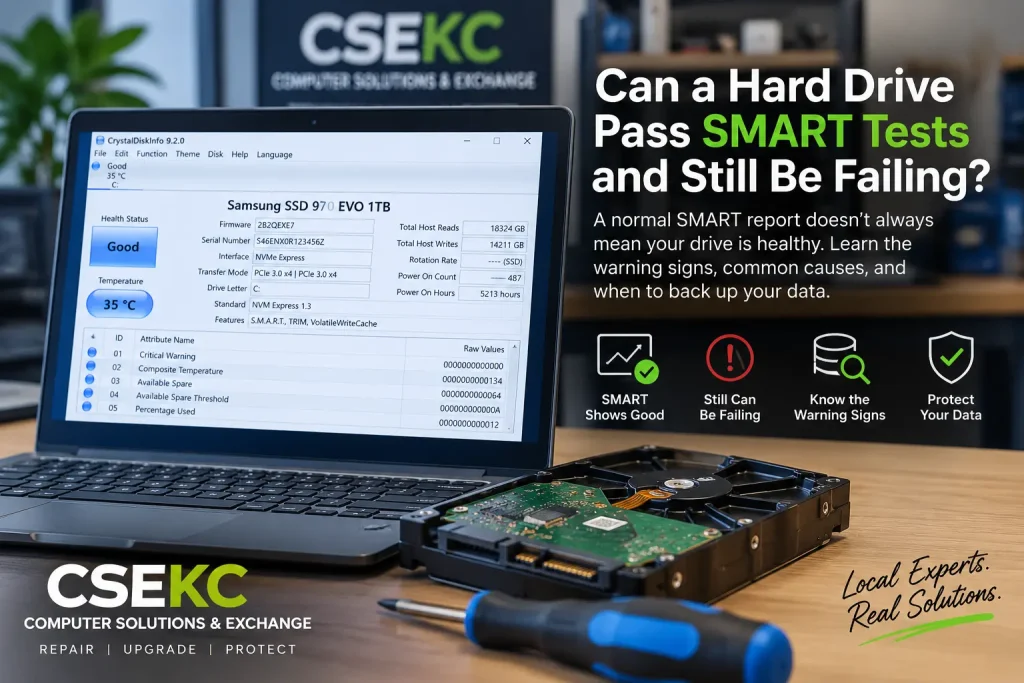
Yes. A hard drive or SSD can report Good health in SMART monitoring software and still have a real hardware problem.
We see this occasionally in the repair shop: a computer freezes, crashes, throws blue-screen errors, or suddenly stops detecting the drive. The first SMART test looks normal, so the storage device appears healthy. But after further testing, the drive may disconnect, disappear from BIOS, stop responding, or fail completely.
SMART is useful, but it is not a guarantee that a drive is healthy.
What Is SMART?
SMART stands for Self-Monitoring, Analysis and Reporting Technology.
Hard drives and SSDs monitor certain internal conditions and report them to diagnostic software such as:
- CrystalDiskInfo
- Manufacturer diagnostic utilities
- BIOS or UEFI hardware diagnostics
- Professional drive-testing software
SMART can report information such as:
- Drive temperature
- Reallocated sectors
- Uncorrectable errors
- Power-on hours
- Interface errors
- SSD wear
- Read or write errors
When the values remain within the manufacturer’s acceptable limits, a program may display the drive as:
Good
The problem is that SMART only knows about the failures it was designed to monitor.
Why Can a Drive Show “Good” and Still Be Bad?
There are several situations where a drive may pass SMART testing but still cause serious problems.
1. Intermittent Drive Electronics Failure
The controller board inside a hard drive or SSD can develop an intermittent problem.
The drive may work normally when first powered on and then suddenly:
- Disconnect from Windows
- Stop responding
- Disappear from BIOS
- Cause Windows to freeze
- Reappear after restarting the computer
SMART may still show normal health because the flash memory or magnetic media itself has not exceeded an error threshold.
2. The Drive Has Not Reached the SMART Failure Threshold Yet
SMART attributes normally have thresholds.
A drive can already be experiencing problems while the monitored values are still technically within the manufacturer’s acceptable range.
That means:
Good does not necessarily mean perfect.
It may simply mean the drive has not crossed the threshold required for SMART to declare a failure.
3. Sudden Failures Cannot Always Be Predicted
Some storage failures happen with little or no warning.
Examples include:
- SSD controller failure
- Electrical component failure
- Firmware malfunction
- NAND flash controller problems
- Mechanical failure inside an HDD
SMART cannot predict every electronic or mechanical failure.
A drive can therefore report healthy one day and become unreadable shortly afterward.
A Drive That Disappears Is a Major Warning Sign
One symptom we take seriously is a drive that randomly disappears from the computer.
For example, the computer may:
- Boot normally.
- Run for several minutes.
- Freeze or show a blue screen.
- Restart.
- No longer detect the SSD or hard drive.
After completely powering the computer off, the drive may suddenly appear again.
That behavior is more concerning than a simple Windows error.
Possible causes include:
- Failing SSD or hard drive electronics
- Storage controller problems
- SATA cable or connector problems
- Motherboard storage-controller problems
- Power instability
- Firmware problems
- Excessive drive temperature
The drive itself is often suspected first, but proper diagnosis should also rule out the motherboard, cable, connector, and power source.
SMART Does Not Test the Entire Computer
This is another important distinction.
A SMART test evaluates information reported by the storage device.
It does not necessarily test:
- SATA cables
- Motherboard SATA ports
- NVMe motherboard slots
- Power connectors
- Power supplies
- Chipset storage controllers
For example, a perfectly healthy SATA SSD connected through a failing SATA cable may behave like a bad drive.
The SMART report could remain completely normal.
SSDs Can Fail Differently Than Mechanical Hard Drives
Traditional hard drives often provide warning signs such as:
- Bad sectors
- Clicking
- Slow reads
- Reallocated sectors
- Uncorrectable errors
SSDs are different.
Because SSDs depend heavily on electronics, firmware, controllers, and NAND memory, they can sometimes fail more suddenly.
An SSD may:
- Freeze the computer
- Become read-only
- Disconnect randomly
- Stop being detected
- Show the wrong capacity
- Appear only after a cold boot
and still have previously shown good SMART health.
Windows Errors Can Also Look Like Drive Failure
Not every storage-related problem means the drive is defective.
Windows corruption can produce symptoms such as:
- Automatic Repair loops
- Blue screens
- Slow startup
- File-system errors
- Failed updates
- Boot-loader problems
That is why replacing the drive based on one symptom alone is not always the right approach.Windows corruption can produce symptoms such as Automatic Repair loops, blue screens, slow startup, file-system errors, failed updates, and boot-loader problems.
A proper diagnosis normally combines several pieces of evidence.
How We Diagnose an Intermittent Drive Problem
When a computer comes into our Kansas City repair shop with unexplained freezing or storage problems, we do not rely on a single SMART screen.
Depending on the symptoms, testing may include:
- SMART health review
- Drive temperature monitoring
- Windows Event Viewer errors
- File-system checks
- Read and write testing
- BIOS detection testing
- Cold-boot and restart testing
- SATA cable or connector inspection
- Alternate SATA port testing
- NVMe reseating and inspection
- Motherboard diagnostics
The pattern of the failure is often more useful than a single diagnostic result. If the drive is healthy but the computer is slow or running out of storage, an SSD upgrade may be a better solution than replacing the computer.
Back Up the Data Before Extensive Testing
If the drive contains important files and is showing intermittent symptoms, the priority should be the data.
Repeatedly rebooting, benchmarking, stress-testing, or running long diagnostics on a failing drive can sometimes make the situation worse.
Warning signs that should trigger an immediate backup include:
- Drive disappearing randomly
- Clicking or unusual mechanical sounds
- Extremely slow file access
- Frequent freezes during file transfers
- Blue screens during disk activity
- Files suddenly becoming unreadable
- Windows repeatedly reporting disk errors
Warning signs that should trigger an immediate backup include drive disappearing randomly, clicking, extremely slow file access, frequent freezes during transfers, and blue-screen errors during disk activity. If the drive is still accessible, copy important files before performing unnecessary stress testing. If important files are involved, we can also discuss backup, file transfer, or data recovery options before performing repairs.
Should You Replace a Drive That Still Shows Good Health?
Not automatically.
If the computer is stable and SMART looks normal, there may be no reason to replace the drive.
But if the computer has repeated storage-related symptoms and the drive is intermittently disappearing or disconnecting, a Good SMART status should not be used as proof that the drive is healthy.
The symptoms and additional testing matter.
Hard Drive and SSD Diagnosis in Kansas City
If your computer freezes, blue-screens, loses access to its SSD or hard drive, or sometimes stops detecting the storage device, Computer Solutions & Exchange can diagnose the problem at our Kansas City repair shop.
We can determine whether the problem is related to:
- The SSD or hard drive
- Windows
- The storage connection
- The motherboard
- Power
- Other hardware
If your computer freezes, blue-screens, loses access to its SSD or hard drive, or sometimes stops detecting the storage device, our PC and laptop repair service can diagnose the problem. If important files are involved, we can also discuss backup, file transfer, or data-recovery options before performing repairs.
Computer Solutions & Exchange (CSEKC)
8137 Wornall Road
Kansas City, MO 64114
913-980-7665
FAQ section
Can CrystalDiskInfo say Good even if my drive is bad?
Yes. CrystalDiskInfo reports the SMART information provided by the drive. Some electronic, controller, firmware, connection, and sudden hardware failures may occur without triggering a SMART warning.
Can a failing SSD cause a blue screen?
Yes. An SSD that disconnects, stops responding, or returns storage errors can cause Windows to freeze or crash. However, blue screens can also have many other causes, so the drive should be properly diagnosed.
Why does my SSD disappear from BIOS?
Possible causes include a failing SSD, motherboard or NVMe-slot problems, firmware issues, overheating, or power-related problems. If the drive repeatedly disappears from BIOS, back up important data as soon as possible.
Should I trust SMART drive health?
SMART is useful as one diagnostic tool, but it should not be the only test used when a computer is showing real symptoms.
Can you recover files from a failing drive?
Sometimes. Recovery depends on the type and severity of the failure. If important files are involved, avoid repeatedly stress-testing a drive that is disconnecting or making unusual noises.