
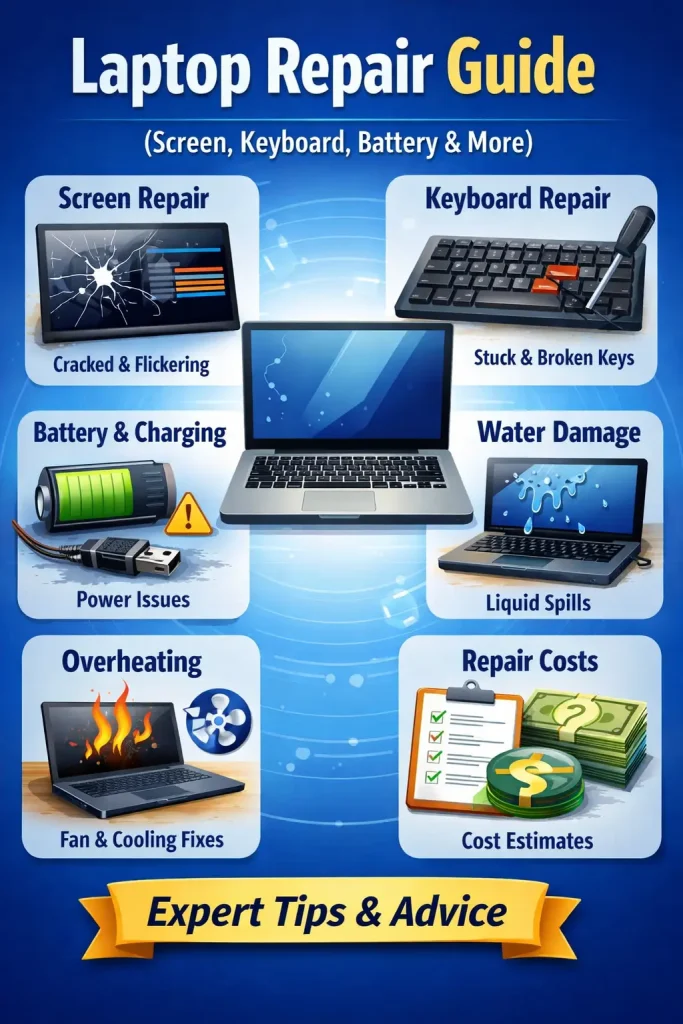
If you’re searching for laptop screen repair, laptop keyboard repair, or display repair for a laptop, this complete guide explains the most common issues, troubleshooting steps, repair costs, and when replacement makes sense.
Laptop problems are common — but most are repairable.
This guide covers:
- Laptop screen repair and display issues
- Laptop keyboard repair and input failures
- Laptop water damage repair
- Battery and charging problems
- Overheating and performance issues
- Repair cost expectations
- When professional repair is safest
Laptop Screen Repair: Cracked, Flickering & Black Displays
Laptop screen repair is one of the most common laptop repairs worldwide.
Common screen problems include:
- Cracked or shattered screens
- Flickering display
- Black screen but laptop is running
- Vertical or horizontal lines :Experiencing lines on your screen? Read our detailed guide on black lines on laptop screens and repair options.
- Backlight failure
- Dead pixels
If you’re researching repair laptop display options, most screen damage requires panel replacement — not internal repair.
Learn what to do after a broken laptop screen before replacing it.
See whether a cracked laptop screen can be repaired or must be replaced.
Avoid costly errors by reviewing common laptop screen repair mistakes.
Understand the differences between laptop display repair and full screen replacement.
Find out how to choose the right replacement screen for your laptop model.
Learn how to identify if your computer screen needs replacement.
Laptop Dead Pixel Repair
Dead pixels appear as small black or discolored dots.
While some software tools claim to fix dead pixels, most permanent pixel damage requires display repair for laptop panels.
Display Repair Laptop vs Replacement
In most cases:
- Panel replacement is faster
- Repair is more cost-effective than buying new
- Screen replacement restores full clarity
Modern laptop screen repair is typically straightforward when performed professionally.
Laptop Keyboard Repair & Trackpad Issues
Another high-volume issue is laptop keyboard repair.
Explore options for laptop keyboard repair and key replacement.
Troubleshoot common trackpad problems in laptops.
Common problems:
- Keys not responding
- Repeating letters
- Sticky or broken keys
- Backlight not working
Spilled liquids are a frequent cause.
When Does a Keyboard Need Replacement?
Replace the keyboard if:
- Multiple keys fail
- Internal membrane is damaged
- Liquid corrosion spreads
Laptop keyboard repair is usually economical compared to full device replacement.
Laptop Water Damage Repair
Liquid spills are one of the most common causes of laptop failure. Even small amounts of moisture can damage keyboards, motherboards, batteries, and display connections.
If your laptop has been exposed to liquid:
Power it off immediately
Disconnect the charger
Avoid turning it back on
Seek professional inspection quickly
👉 Learn whether a water-damaged laptop can be repaired safely.
👉 See what to do immediately after liquid spills on your laptop.
Battery & Charging Port Repair
If your laptop:
- Only works while plugged in
- Shuts down randomly
- Stops charging at certain angles
You may need:
- Battery replacement
- Charging port repair
- Power connector diagnostics
Battery wear is normal after 2–4 years.
See signs your laptop battery is failing.
Learn how to fix a laptop that won’t charge properly.
Review solutions for charging port repair and power jack issues.
Laptop Performance Issues & Upgrades
Many users assume they need a new laptop when performance slows — but often upgrades solve the issue.
Compare SSD vs HDD upgrades for laptops.
Learn when a RAM upgrade improves laptop speed.
Follow our guide to speed up a slow laptop safely.
SSD Upgrade (Most Effective)
Upgrading from HDD to SSD:
- Improves boot time dramatically
- Reduces freezing
- Increases overall responsiveness
RAM Upgrade
If you multitask or use modern software, RAM upgrades improve:
- Speed
- Stability
- Browser performance
Performance issues are often easier to fix than display repair laptop problems. In some cases, upgrading isn’t cost-effective—check out our computer for sale in Kansas City for budget-friendly alternatives.
Laptop Overheating & Cooling Failures
Overheating is serious.
Symptoms include:
- Loud fan noise
- Hot bottom panel
- Sudden shutdowns
- Lag during use
Common fixes:
- Internal cleaning
- Thermal paste replacement
- Cooling fan repair
Ignoring overheating can damage the motherboard.
Fix loud fans with our guide on laptop overheating and cooling repairs.
Learn how to prevent thermal damage in laptops.
Laptop Motherboard Repair
If your laptop won’t turn on and screen replacement doesn’t solve the issue, motherboard repair may be required.
Motherboard problems can result from:
- Liquid damage
- Power surge
- Charging circuit failure
Professional diagnostics are strongly recommended.
How Much Does Laptop Repair Cost?
One of the most searched questions is:
How much does laptop screen repair cost?
Costs vary depending on:
- Laptop model
- Screen size
- Resolution (HD vs 4K)
- Touchscreen capability
Other repair costs include:
- Laptop keyboard repair cost
- Battery replacement cost
- Charging port repair pricing
In many cases, laptop screen repair is significantly cheaper than replacing the entire laptop.
When to Repair vs Replace a Laptop
Repair makes sense when:
- Laptop is under 5 years old
- Only one component is damaged
- Upgrades improve performance
Replacement may be better when:
- Multiple components fail
- Repair exceeds device value
- Hardware is obsolete
A professional evaluation prevents unnecessary spending.
Understand when to repair or replace a damaged laptop screen.
Compare professional repair vs DIY laptop repair risks.
Preventive Maintenance to Avoid Laptop Repairs
You can reduce the need for laptop screen repair and keyboard repair by:
- Using protective cases
- Avoiding pressure on closed laptop
- Cleaning vents regularly
- Keeping liquids away
- Backing up important data
Preventive care extends lifespan significantly.
Frequently Asked Questions About Laptop Repair
Can laptop screens be repaired or do they need to be replaced?
Most cracked laptop screens are replaced rather than repaired. Screen replacement restores clarity and prevents further damage from worsening hinges or display cables.
How much does laptop screen repair cost?
Laptop screen repair cost depends on the model, screen size, resolution, and whether the display is touchscreen. A diagnostic confirms the exact panel and total cost.
What causes a laptop display to go black but the laptop is still on?
A black screen can be caused by backlight failure, a loose display cable, GPU issues, or a damaged panel. Testing an external monitor helps narrow the cause.
Can dead pixels be fixed on a laptop screen?
Some minor pixel issues may improve with pixel-refresh tools, but most dead pixel problems are permanent and require screen replacement for a true fix.
Is laptop keyboard repair expensive?
Laptop keyboard repair is often affordable unless liquid damage spreads to the motherboard. If multiple keys fail, replacement is usually the most reliable solution.
Why is my laptop not charging even though it’s plugged in?
Charging failures are commonly caused by a worn battery, damaged charger, loose charging port, or DC jack issues. A diagnostic can confirm which part is failing.
What causes laptop overheating and sudden shutdowns?
Overheating usually comes from dust buildup, failing fans, dried thermal paste, or blocked vents. Overheating can trigger shutdowns and long-term hardware damage.
Should I repair or replace my laptop?
Repair is usually best when the laptop is under 5 years old and the issue is isolated (screen, battery, storage). Replacement may be better if multiple major components are failing.
What are the best upgrades to speed up a slow laptop?
An SSD upgrade and adding RAM are typically the fastest ways to improve laptop performance. Cleaning startup programs and addressing overheating also helps.
How long does laptop repair usually take?
Simple repairs like battery or screen replacement may take 1–2 days depending on parts availability. Complex repairs (motherboard or liquid damage) can take longer.
Final Thoughts
Whether you’re dealing with:
- Laptop screen repair
- Repair laptop display issues
- Laptop keyboard repair
- Charging problems
- Performance slowdowns
Most laptop problems are fixable with the right approach.
Understanding symptoms, repair options, and cost expectations helps you make smarter decisions and extend your device’s lifespan.
Need Professional Laptop Repair Help?
If your laptop has screen damage, charging issues, overheating, or performance problems, getting a professional diagnosis can prevent further damage and data loss.
Computer Solutions & Exchange – Kansas City Laptop Repair Experts
✔ Screen, battery, and keyboard repairs
✔ Charging port and hardware diagnostics
✔ Performance upgrades (SSD, RAM, cooling)
✔ Data protection and recovery assistance
📞 Call (913) 980-7665 for diagnostics or repair options.
Or visit us locally to speak directly with a technician.
Need help in Kansas City?