
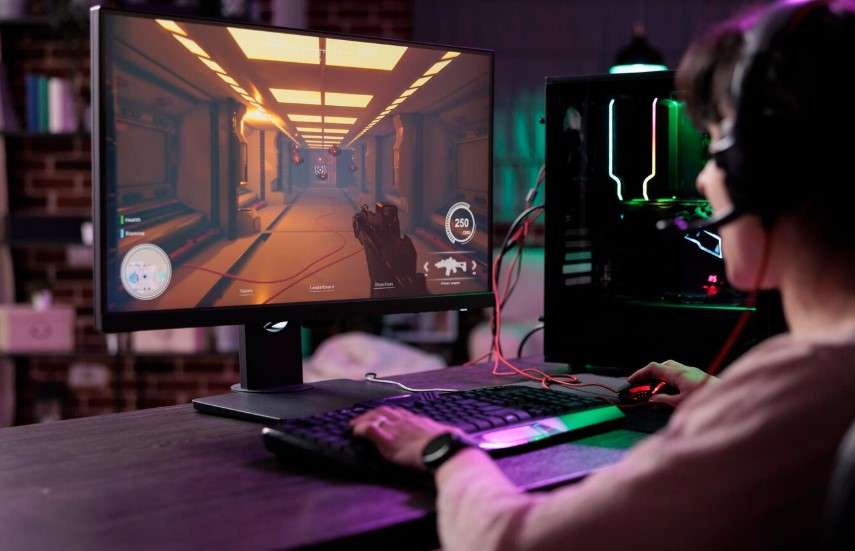
Gaming computers are designed to handle high-performance tasks, but crashes during gameplay can be frustrating and disruptive. Frequent crashes not only interrupt your experience but may also indicate underlying hardware or software issues.
Understanding the common causes of crashes helps gamers troubleshoot problems and maintain optimal system performance.
Identifying the reasons behind these crashes is essential for both casual and competitive gamers. Proper diagnosis ensures that your gaming PC runs smoothly, protecting your hardware and improving overall gameplay.
Overheating Components
One of the most common reasons a gaming computer crashes is overheating. High-performance games put significant stress on the CPU and GPU, which can lead to thermal shutdowns if not properly cooled.
- Poor airflow in the case reduces cooling efficiency
- Dust buildup can clog fans and heat sinks
- Overclocked components generate additional heat
- Faulty or insufficient cooling solutions increase risk
Keeping components at safe temperatures prevents crashes and prolongs hardware lifespan.
Faulty or Incompatible Hardware
Defective or incompatible hardware can cause instability, especially under the demands of gaming. Components may fail or conflict with each other, triggering sudden shutdowns.
- RAM errors or insufficient memory can cause crashes
- A failing graphics card may not handle high workloads
- Power supply issues can interrupt consistent power delivery
- Motherboard or CPU incompatibilities may lead to instability
Regularly checking hardware health and compatibility helps ensure smooth gameplay.
Outdated or Corrupted Drivers
Drivers connect hardware to the operating system, and outdated or corrupted drivers can create crashes. Keeping drivers current is critical for gaming stability.
- Graphics card drivers are especially important for rendering games
- Audio drivers can affect performance in some games
- Peripheral drivers for gaming keyboards and mice may cause conflicts
- Operating system updates may require corresponding driver updates
Updating and maintaining drivers ensures compatibility and reduces system crashes.
Software Conflicts and Background Processes
Running multiple applications alongside games can create conflicts that crash your system. Some background processes consume resources needed for smooth gameplay.
- Antivirus software may interfere with game files
- Resource-heavy applications running simultaneously can overload the CPU or RAM
- Background tasks like Windows updates may interrupt gameplay
- Conflicting software can cause errors in game execution
Managing software and closing unnecessary applications can improve system stability.
Corrupted Game Files or Settings
Sometimes the issue lies within the game itself, particularly if files are corrupted or settings are improperly configured. This can cause crashes during gameplay.
- Damaged game files can prevent proper loading
- Incorrect graphics settings may exceed hardware capabilities
- Mods or third-party add-ons can create instability
- Game updates may require reinstallation or verification
Verifying or reinstalling game files often resolves crashes caused by software errors.
Maintaining a Stable and Reliable Gaming PC
Crashes during games are usually the result of overheating, hardware issues, driver problems, software conflicts, or corrupted game files. Identifying the root cause allows gamers to take corrective action and maintain performance.
Proper maintenance, including regular cleaning, hardware checks, driver updates, and software management, ensures your gaming computer remains stable. By addressing these factors proactively, you can enjoy smooth, uninterrupted gameplay and protect your investment in high-performance hardware.