
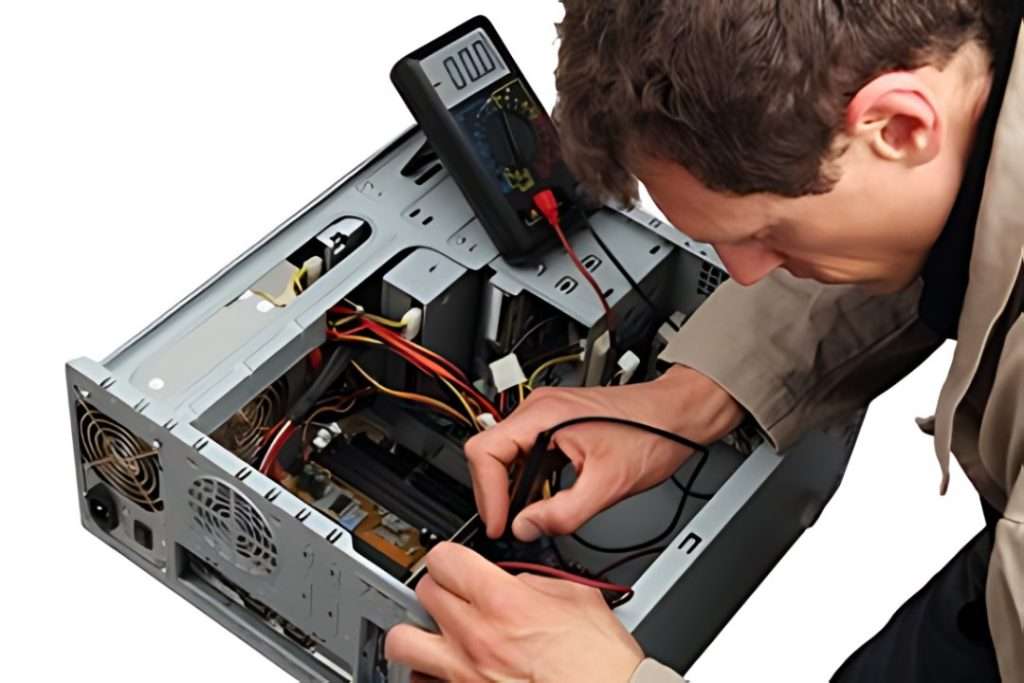
When it comes to deciding whether to fix your PC yourself or call in an expert, it’s crucial to assess the nature of the problem.
If you’re dealing with a simple software hiccup or minor hardware issue, you might find that a DIY approach saves you both time and money.
However, there are moments when the situation can escalate beyond your expertise, leading to costly mistakes.
Understanding when to take action and when to seek help can make all the difference in maintaining your system’s health. So, how do you know where that line is drawn?
Assessing PC Problems: A Systematic Approach
Before attempting any repairs, it’s crucial to accurately diagnose the issue with your computer. Here’s a systematic approach to problem assessment:
Observe and Document:
- Symptoms: Note any unusual behavior, such as slow performance, frequent crashes, or the inability to boot up.
- Error Messages: Record any error messages that appear on the screen.
- Sounds: Pay attention to any unusual sounds, such as clicking, grinding, or beeping noises.
Identify Recent Changes:
- Software Updates: Consider if recent software updates have caused any issues.
- Hardware Changes: Did you recently install new hardware (e.g., RAM, graphics card)?
- Software Installations: Have you recently installed any new software or games?
Check Peripherals:
- Disconnect Peripherals: Temporarily disconnect external devices (printers, external drives, etc.) to see if they are causing interference.
- Test Peripherals Individually: Test each peripheral individually to identify any malfunctioning devices.
Consider Maintenance:
- Clean the Computer: Clean the inside of your computer to remove dust buildup, which can cause overheating.
- Check for Overheating: Ensure proper airflow and check for any signs of overheating.
By carefully assessing the problem, you can gain a better understanding of the issue and take appropriate steps to resolve it.
DIY PC Repair Techniques
If you’re comfortable with some technical know-how, you can attempt some basic DIY repairs for your PC.
Here are a few techniques to consider:
- Software Troubleshooting:
- Run System Diagnostics: Utilize built-in diagnostic tools or third-party software to identify and resolve software issues.
- Update Drivers: Ensure your drivers (for graphics cards, sound cards, etc.) are up-to-date.
- Run Antivirus Scans: Scan your system for malware and viruses that can cause performance issues.
- Uninstall Suspicious Software: Remove any recently installed software that may be causing problems.
- Hardware Troubleshooting:
- Clean the Computer: Clean the inside of your computer to remove dust buildup that can cause overheating.
- Reseat Components: Carefully reseat RAM modules, graphics cards, and other internal components.
- Check Connections: Ensure all cables are securely connected.
Important Notes:
- Safety First: Always unplug your computer from the power source before opening the case.
- Ground Yourself: Use an anti-static wrist strap to prevent static electricity from damaging components.
- Back Up Your Data: Before making any significant changes, back up all important data to an external hard drive.
- Know Your Limits: If you’re uncomfortable with any of these steps, it’s best to consult a professional technician.
By following these tips and exercising caution, you may be able to resolve minor PC issues yourself and save on repair costs.
Knowing Your Limits: When to Call a Professional
While DIY PC repairs can be rewarding, it’s crucial to recognize your limitations.
Here are some signs that you may need to call in a professional:
- Complex Hardware Issues: Issues with the motherboard, CPU, or other critical components often require specialized knowledge and tools.
- Data Recovery: If you’ve experienced a hard drive failure or data loss, it’s best to leave data recovery to professionals.
- Lack of Experience: If you’re not comfortable with opening your computer or working with delicate components, it’s best to leave the repairs to a professional.
- Time Constraints: If you’re short on time or the repair is taking longer than expected, it may be more efficient to seek professional help.
- Safety Concerns: If you encounter any safety hazards or feel uncomfortable with the repair process, stop and call a professional.
By recognizing your limitations and seeking professional help when necessary, you can avoid further damage to your computer and ensure that the repairs are carried out safely and effectively.
Finding the right balance between DIY repairs and seeking professional assistance is vital for maintaining your PC’s performance and longevity.
By carefully assessing the nature of the problem, utilizing basic troubleshooting techniques, and being mindful of your limitations, you can effectively address minor issues on your own.
However, understanding when it’s best to call in an expert can save you from costly mistakes and ensure that your computer remains in optimal condition.
Ultimately, being proactive and informed about your options will help you navigate your PC repair journey with confidence.
When it’s time to call an expert, our technicians handle PC and laptop repair in Kansas City.