
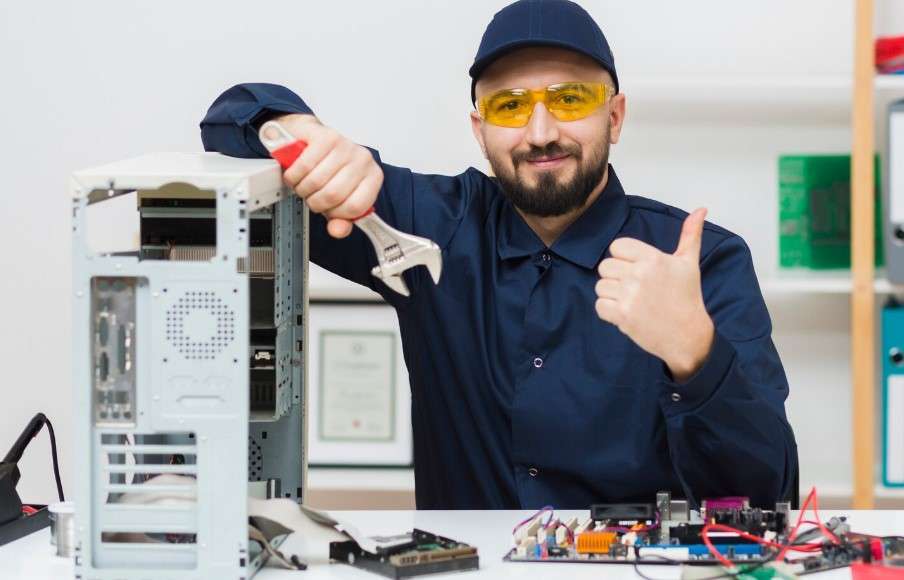
Setting up a new computer may seem simple, but improper installation can lead to performance issues, security vulnerabilities, and data loss. Hiring a professional ensures the device is configured correctly, secure, and optimized for your needs. Understanding when to seek expert assistance helps prevent costly mistakes and maximizes the value of your new computer. Professional setup provides peace of mind and a smooth start, especially for users who rely on their devices for work or critical tasks. It ensures the system runs efficiently and safely from the very beginning. Complex Hardware or Peripheral Installation New computers often require additional hardware or peripheral setup that can be tricky to install correctly. Professionals ensure compatibility and proper configuration.
- Connects printers, scanners, and external drives
- Configures monitors, docking stations, and other peripherals
- Installs expansion cards and memory upgrades
- Verifies that all devices function correctly with the new system
- Installs operating systems and system updates
- Sets up essential software like office suites, browsers, and antivirus
- Configures settings for optimal performance and usability
- Ensures software licenses and activations are properly managed
- Transfers documents, media, and emails without corruption
- Migrates user accounts and system preferences
- Sets up reliable backup solutions for ongoing data protection
- Minimizes the risk of losing important information during the transition
- Configures firewalls, antivirus, and security settings
- Connects to Wi-Fi and business networks securely
- Updates operating systems to the latest security patches
- Sets up user permissions and parental or administrative controls
- Adjusts power settings and display configurations
- Removes unnecessary startup programs and bloatware
- Installs drivers and firmware updates for all hardware
- Tests performance to ensure the system runs smoothly under load
Lorem ipsum dolor sit amet, consectetur adipiscing elit. Ut elit tellus, luctus nec ullamcorper mattis, pulvinar dapibus leo.